


Great news! Here are the top EPOS systems we recommend for your business.

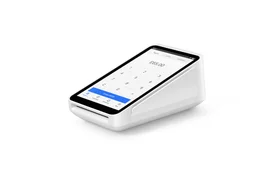
- All-in-one EPOS with receipt printer
- Free EPOS software, no monthly fee
- Free stock management and sales reports
- Flat 1.75% in-person card fee
Frequently Asked Questions
What features should I look for in an EPOS system?
Focus on these essential capabilities:
- Stock and inventory management
- Real-time sales reporting
- Integrated card payments
- Offline mode
- Staff accounts and permissions
- Clear monthly and transaction fees
- Reliable customer support
How do I choose the right EPOS system for my business?
Start with how your business sells. A café or restaurant needs table management and fast order-taking, a shop needs barcode scanning and stock control, and a mobile business needs portable, battery-powered hardware. Compare the total cost over a year or two, including hardware, software subscriptions and card fees, not just the upfront price. Check that the system works with the tools you already use, such as your accounting software, and choose a provider with dependable support for your busiest hours.
What are the most common problems with EPOS systems?
Most issues come down to connectivity, hardware or setup. If your system stops syncing or taking payments, check your Wi-Fi or internet connection first, then restart the device and make sure its software is up to date. Choosing a system with an offline mode means you can keep selling if the internet drops. If problems persist, contact your provider’s support team, as a quick fix can stop a fault turning into lost sales.
How does an EPOS system benefit my business?
An EPOS system does far more than ring up sales. It tracks stock automatically as you sell, so you know when to reorder and which products perform best. Real-time reports show your busiest times and top sellers, helping you plan staffing and stock. With payments, sales and inventory in one place, you spend less time on admin and manual bookkeeping, and more time running and growing your business.